Play sound on a Find My tag when you cannot see it
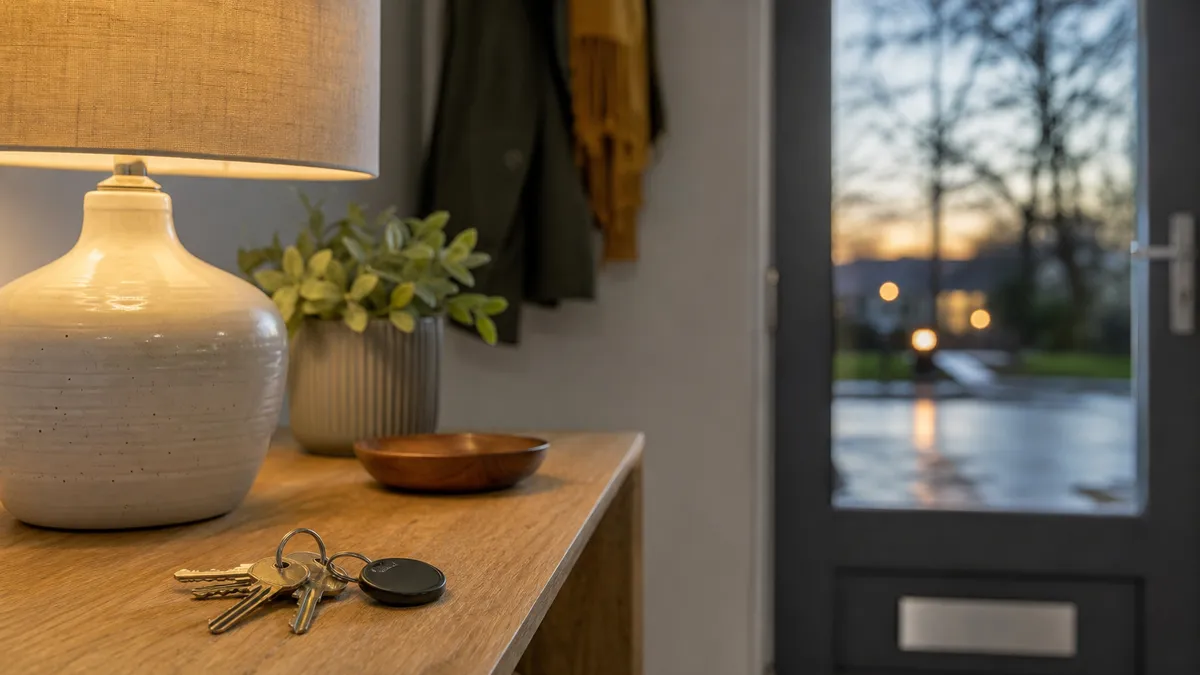
To play sound on a Find My tag, open the Find My app on your iPhone, tap the Items tab, choose the tag and tap Play Sound. It is the quickest answer when the clocks have gone back, the hallway is dark and your keys are somewhere you cannot see. This post answers the questions people ask next: where it works, what it sounds like, and what to do when nothing rings.
How do you play sound on a Find My tag?
Open Find My, tap Items, and pick the tag from the list. The detail card shows a Play Sound button; tap it and the tag starts to chirp. Tap it again to stop. On Orbit Tag the chirp comes from a speaker rated at 80 to 100 dB, which is enough to carry through a closed door or a coat pocket.
What you see after the tap: the button changes to show it is playing, and if the tag is nearby, the sound starts within a couple of seconds. If the card says the tag is not nearby and the sound does not begin, that is the cue to read the troubleshooting section further down.
Where can you start Play Sound from?
Anywhere you are signed in to the same Apple Account:
- iPhone or iPad. Find My, Items tab, select the tag, Play Sound.
- Mac. Open Find My from the Dock or Launchpad, choose Items, select the tag and click Play Sound.
- Apple Watch. Open the Find Items app, scroll to the tag and tap Play Sound. It is handy when the phone is the thing you have mislaid.
- A web browser. Sign in to iCloud.com and open Find My. Which items appear there depends on what Apple supports for your account, so treat it as a back-up.
Each route sends the same command. If the tag is close enough to hear it, one of them is bound to work.
How loud is it, and will you hear it in the dark?
Bluetooth reaches roughly 60 m, 200 ft in open space, but sound is the limit well before that. Indoors, a chirp is audible through one or two doors and muffled by a pile of coats. Outside on a quiet evening it carries a good way across a garden; beside a main road it will not. Treat it as a room-to-room tool, not a street-wide one.
A practical way to use it in the dark is to stand still, press Play Sound, and listen before you move. Walking about while it chirps makes it harder to judge the direction, because you lose the quiet needed to hear where the sound gets louder.
What if Play Sound does nothing?
Work through these in order:
- Check Bluetooth and the connection. The tag has to be in range of your iPhone for the command to reach it directly. If you are in another room, move closer.
- Look at the last-seen location. The map shows where Find My last saw the tag. Start at that spot, not at the tag's usual place.
- Try Notify When Found. If the tag is out of range, switch on that option and Find My tells you when a passing Apple device spots it.
- Replace the battery. A weak CR2032 cell gives a quiet or absent sound. The tag takes a replaceable coin cell with up to two years of life, so a new one is cheap.
- Reset only as a last resort. Removing the tag from Find My and pairing it again clears most oddities, but you will need it in your hand to do so.
What can it not do?
Play Sound does not give you an arrow. The tag has no U1 chip, so there is no directional finding like an AirTag offers with Precision Finding. It only rings within Bluetooth range: beyond that, the Find My network reports a location instead, at home or abroad. And it is for iPhone only, so an Android phone cannot start it.
How Orbit Tag helps
Orbit Tag is built for the moment this post describes: a dark room, an object you cannot see and a phone in your hand. Tag the keys, the bag and the coat you wear the most, and each one appears in the Items tab beside any AirTags you already own. A box holds two tags, ships free in the UK, and works on iOS 14.5 or later, with sharing for family from iOS 17. Get a box of Orbit Tag and let the speaker do the searching.
Frequently asked
Can I play sound on a Find My tag from an Apple Watch?
Yes. Open the Find Items app on the watch, select the tag and tap Play Sound. The watch needs to be connected to your iPhone or a known Wi-Fi network for the command to go through.
Why does Play Sound say the tag is not nearby?
Because your device cannot reach it over Bluetooth at that moment. Walk towards the last-seen location, check the battery and try again from closer range.
Does Play Sound work with Android?
No. Find My is Apple's network and the tag needs an iPhone to set up and control it. An Android phone cannot start Play Sound on this tag.
Is Play Sound the same as Lost Mode?
No. Play Sound makes the tag chirp when it is close. Lost Mode locks the item to a contact message and alerts you when someone finds it, which suits a tag that is out of reach.
By the team at iOS Tracker Revised
Read next
 Walk-through4 min read
iPhone tracker tag setup: add it to Find My in minutes
A complete iPhone tracker tag setup walkthrough: pairing as an Other Item, naming, emoji, sound tests, alerts and Lost Mode, plus fixes when pairing fails.
 Walk-through4 min read
Find my tracker as a gift: how to set it up before wrapping
Giving a find my tracker as a gift? Here is how the recipient pairs it in the Find My app, what to leave unopened, and what not to promise.
 Walk-through4 min read
Left behind alerts iPhone owners can trust: setup and limits
Left behind alerts iPhone users rely on: how to turn them on for a tag, why they fire late, what trusted locations change, and the cases they will miss.